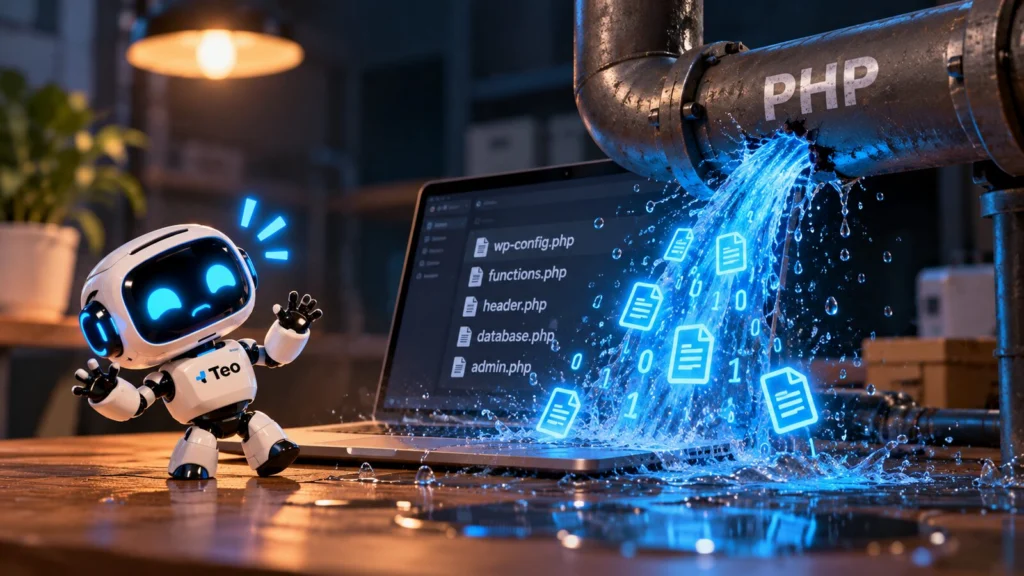
On Tuesday 20 October, details of two serious security holes in PHP leaked online, a day before the fix was ready. No customer data was stolen: what leaked was information about the holes themselves. But that is exactly why it is urgent. Anyone with that information can attack websites that have not been updated yet.
What is PHP, and why does this concern you?
PHP is the programming language that most of the web runs on, around 70% of all websites. WordPress, WooCommerce, Joomla and Drupal all use it. If you have a WordPress website, it runs on PHP at your hosting company.
What exactly happened?
- 20 October: PHP announced emergency updates. The same day, details of the holes appeared online, ahead of the planned disclosure.
- 21 October: PHP released the updates: versions 8.5.12, 8.4.27, 8.3.36 and 8.2.35.
- The holes (CVE-2026-109618 and CVE-2026-109619) let an attacker run code on the server without logging in. PHP rates them 9.2 out of 10.
- Every common way hosting companies run PHP is affected. The problem is in PHP itself, so it does not matter how well your website is built.
- Cloudflare and security firm Patchstack reported the first attack attempts on 21 October.
What should you do?
1. Check which PHP version your site uses
In WordPress you will find it under Tools > Site Health > Info > Server. If the version is lower than the ones above, your site is not protected yet.
2. Ask your hosting company when they are updating
Updating PHP is usually done by your host, not by you. Many hosts do it automatically, but not all equally fast. A short email or a look at their status page gives you certainty.
3. Still on PHP 8.1 or older? Plan a move
PHP itself no longer releases updates for PHP 8.1 and older. PHP 8.2 also stops receiving updates after 31 December 2026. Moving to a newer version sometimes needs changes to your theme or plugins, so test it first.
4. A firewall on its own is not enough
Temporary settings and firewall rules to block attacks are going around. PHP itself says clearly that they do not make your site safe: only the update closes the hole.
5. Keep an eye on your site over the coming days
Seeing strange redirects, unknown admin users or warnings from your host? Read what to do when your website is hacked.
Not sure whether your site is safe?
Send us the link to your website and we will check whether it runs on a safe PHP version. Get in touch. Want to stop worrying about this in the future? Take a look at our maintenance plans.